How it works
- 01Rent your phonesCreate your account at remotesphone.com, add balance and rent one or more real Android devices. Each one is exclusively yours for the whole rental.
- 02Download and install the clientGrab the Windows installer below. No configuration needed — it connects out through your network like a browser does.
- 03Hit Sign in and authorizeClick Sign in — your browser opens remotesphone.com, you approve the connection with one click and your rented phones sync automatically. No credentials typed in the app, ever.
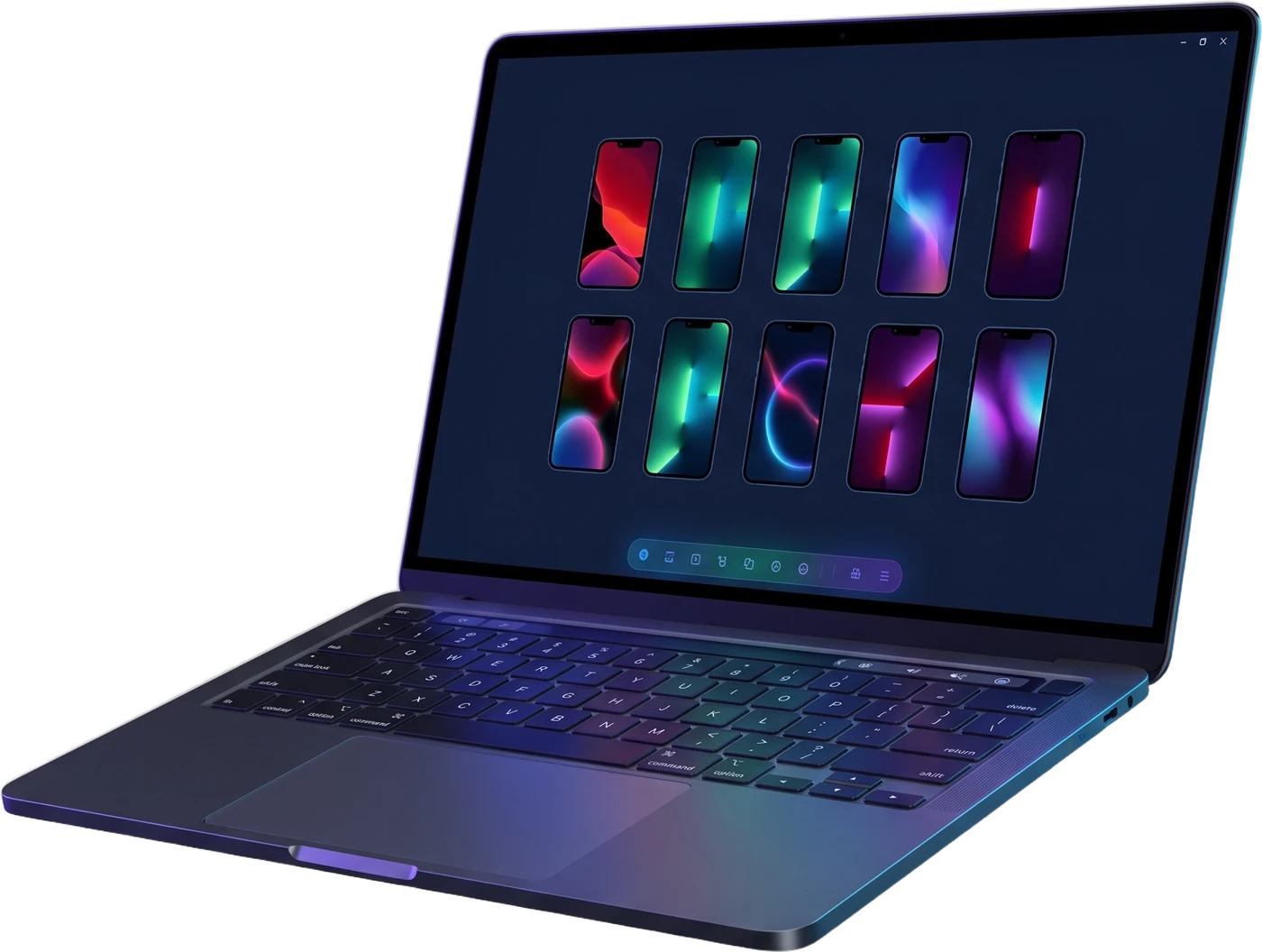
- 04Fly the fleetView all your phones in one grid, resize the tiles or focus a single device. Turn on click sync to mirror your gestures to every phone, use fleet actions like ALL HOME, or type an order and let the AI agent execute it on every device.